Features
Everything a great screen video needs.
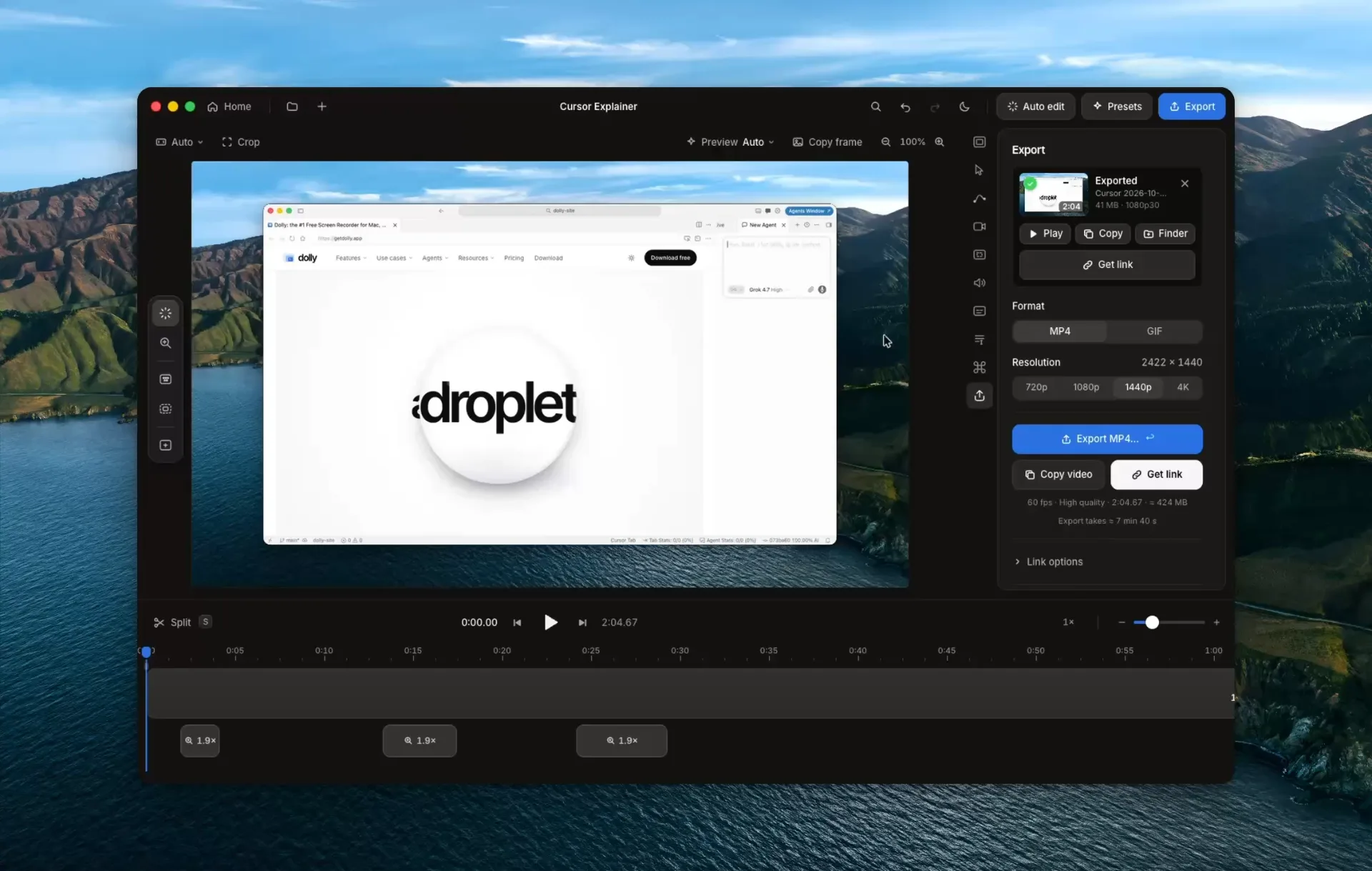
Record, let Dolly do the camera work, cut what you don't need, and export or share a link. Made on your own Mac.
Click anything.
Dolly zooms in.
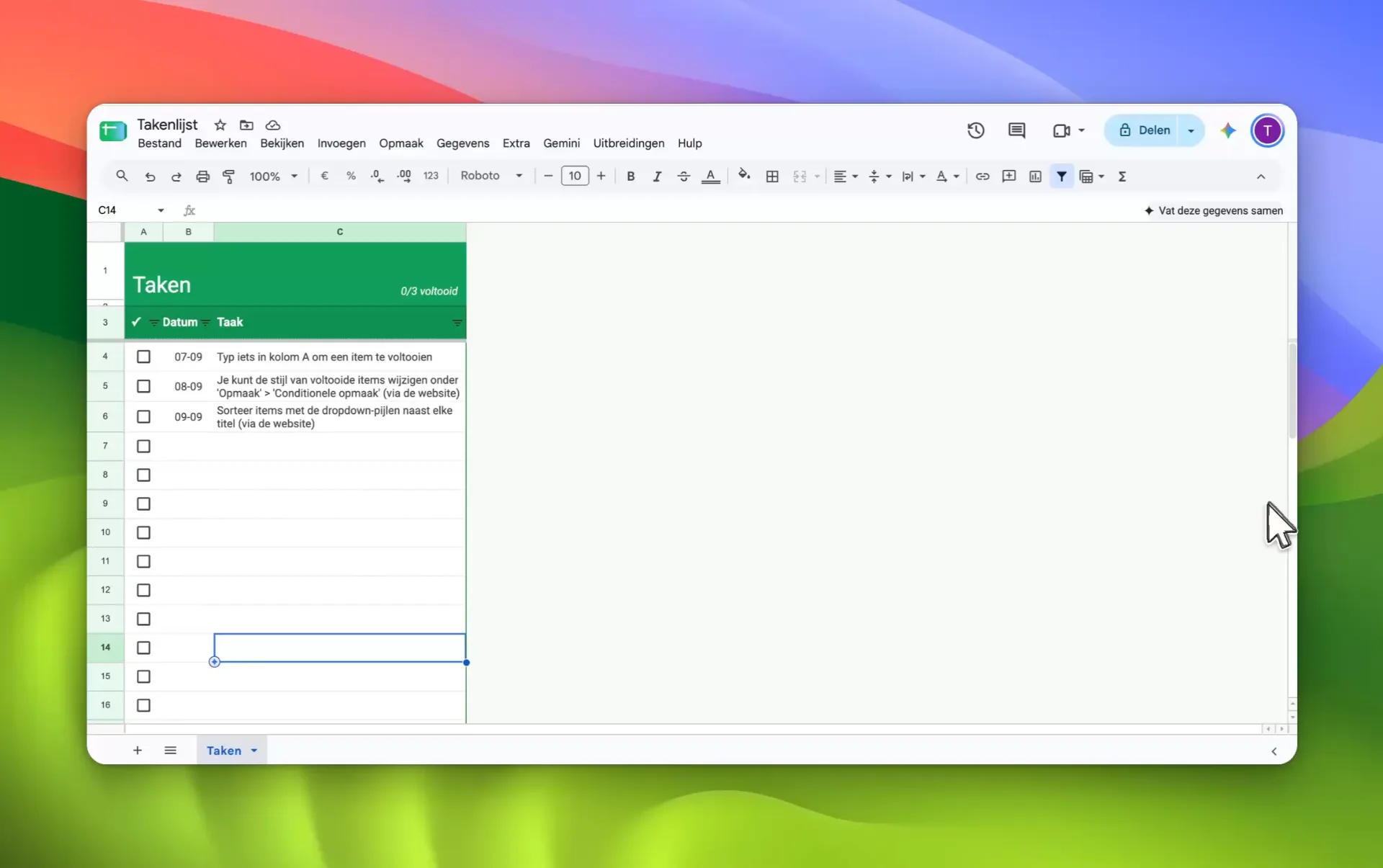
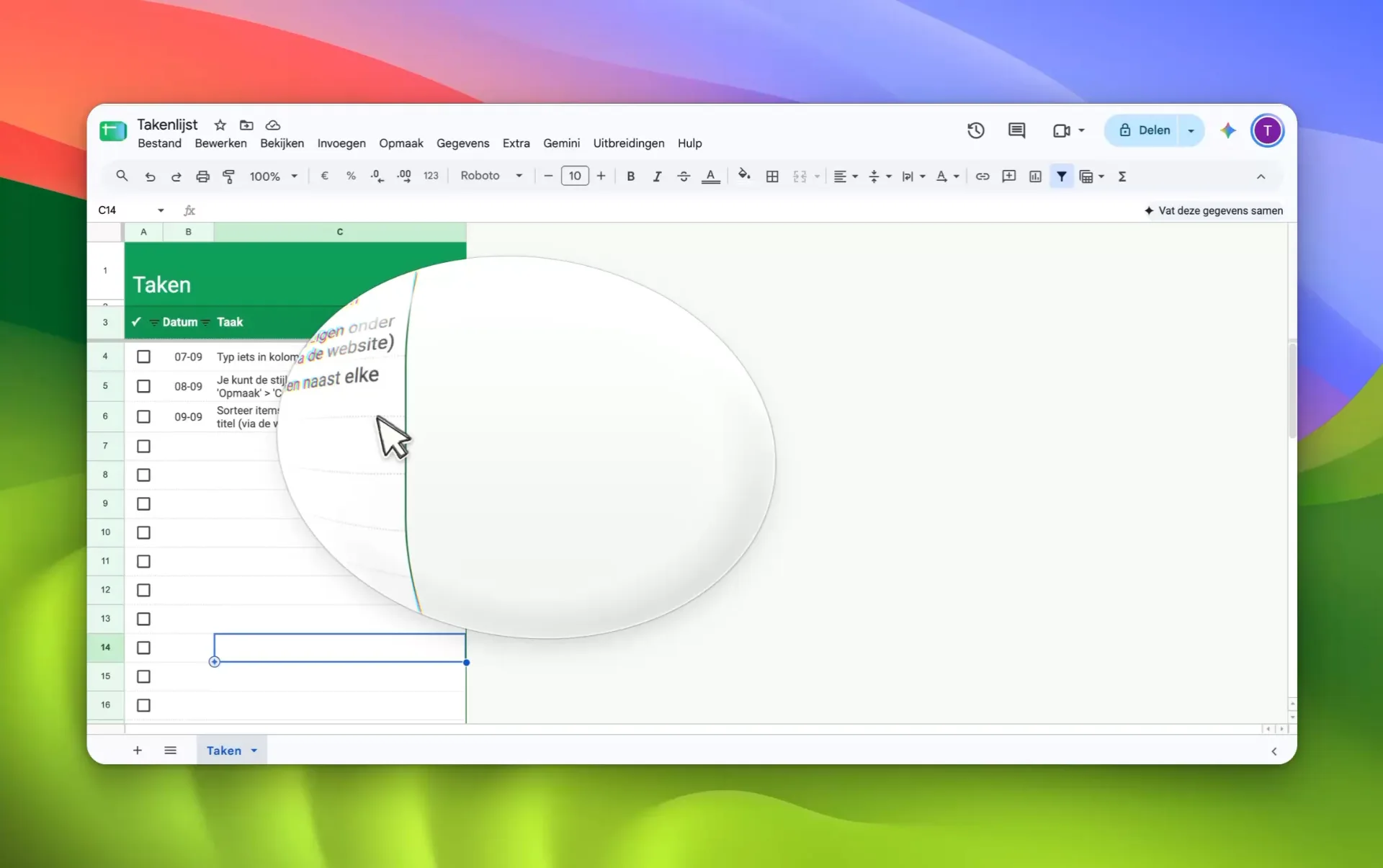
Auto zoom follows every click and keystroke. Keep it, nudge it, or drag your own.
While you record
Say it right. Point it out.
A teleprompter right under your camera, and a pen to circle what matters while you talk. Neither one is burned into your video.
- Script ⇧⌘1Paste what you want to say. It scrolls at your pace, holds when you pause, and never shows up in the recording. Later, your script can become the captions, word for word.
- Draw ⇧⌘DPen, highlighter, arrow and box in five colours. Lines fade after a few seconds, and stay editable afterwards: move, recolour or remove them.
Dolly links
Stop, and the link is already copied.
Set After recording to Get link and one shortcut does it all: ⇧⌘2 stops, and the share link is on your clipboard in under a second while the video uploads behind it. Viewers get a calm page that plays as soon as it's ready.
- Comments at a moment in the video, no login for viewers
- Viewers can reply with a short video of their own
- Up to 10 active links on Free, unlimited on Pro
- Pro adds insights, a password, an expiry date and a button of your own
Fewer clicks
From idea to link. Mostly one key.
Dolly remembers your last area and your last look, so the next take starts where the last one ended. The rest is on the keyboard.
Every format
Record once. Post everywhere.
Wide for YouTube, square for LinkedIn, tall for Reels and TikTok. In a tall video, Dolly fills the frame and follows the action: your clicks, your cursor, the text you type.
- Also export vertical: a second 9:16 file in the same run
- Captions and keys stay clear of where Reels and TikTok put their buttons
- Never upscaled: Dolly exports the detail your recording really holds
- MP4 up to 4K at 60 fps, 16:9, 4:3, 1:1, 4:5, 3:4 or 9:16
Dolly Pro · Connect your AI
Your AI makes the video. With a voice-over.
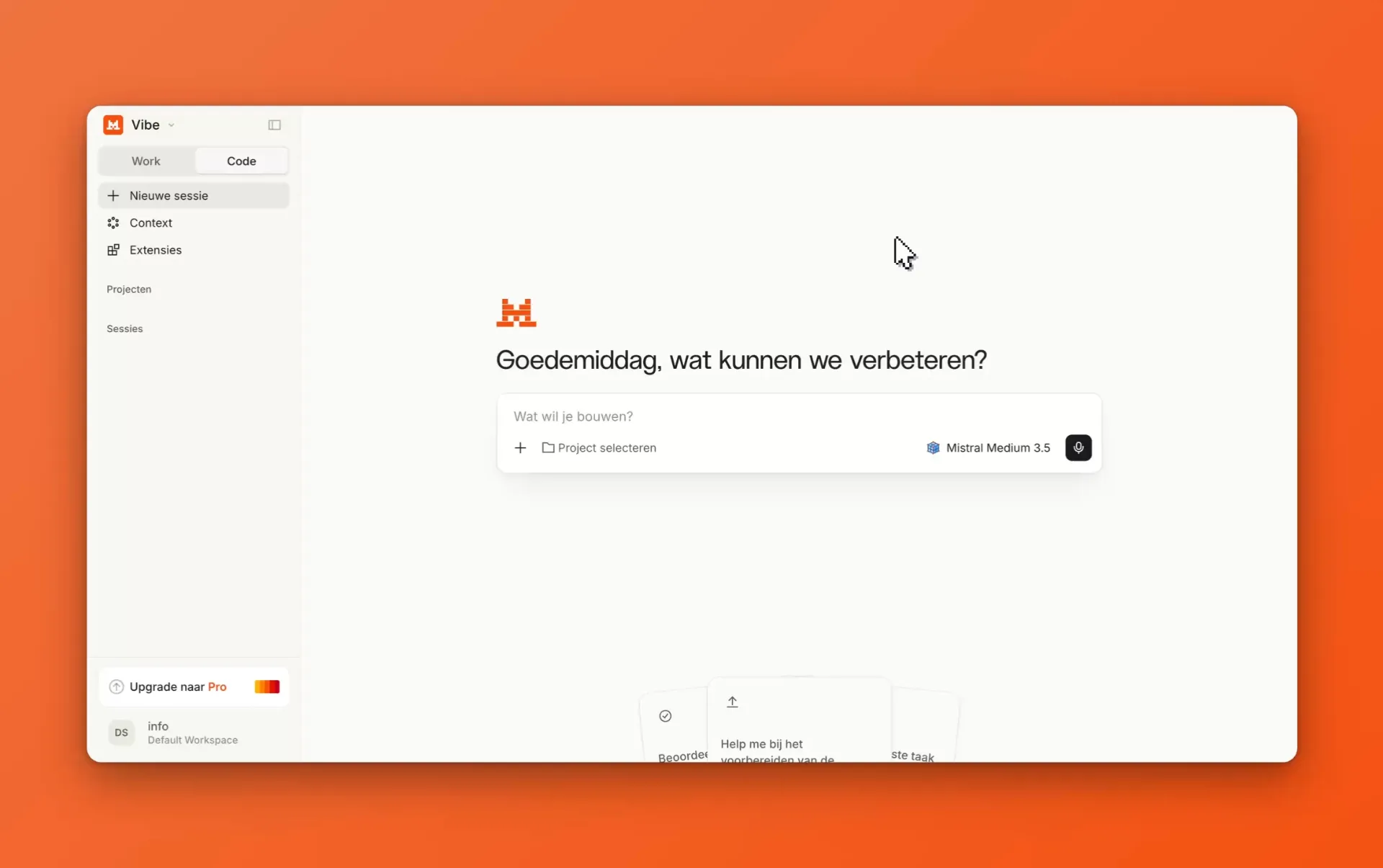
Dolly Pro speaks MCP, the protocol AI assistants use to work with apps. Ask Claude or Cursor for explainer videos of your app: it writes the plan, and Dolly records, narrates, zooms and hands you a finished series. On your Mac, over a local connection.
Cursor
Your hand shakes. Your cursor won't.
Dolly redraws your cursor from scratch: smooth, sharp at any zoom, and exactly the size you want.
- Smooth movement, with three styles from calm to snappy
- 25 cursor sets, from macOS colours to Pixel and Candy
- Click sounds, or your own
- Double clicks merged, so it looks deliberate
Beautiful by default.
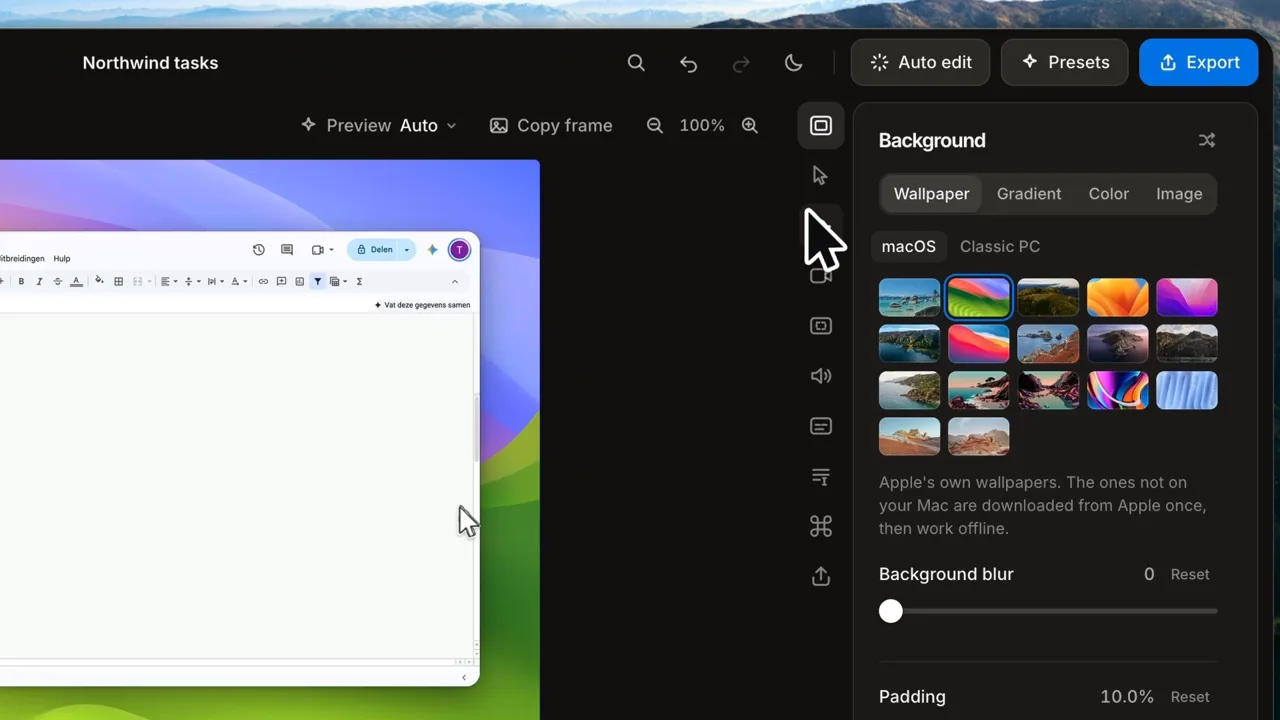
Every recording lands on a background, with padding and rounded corners.


Coming next. Built in public.
Not in Dolly yet, and we won't pretend it is. Dolly is made by a tiny team, in the open; the changelog will say when.
Use cases
One thing, done really well. Every screen video.
Dolly only does screen recording. That turns out to be the heart of most videos people make about software.
Roll camera.
Screen Studio quality. Free. No 5-minute limit.
First time: open Dolly, click Done, then System Settings → Privacy & Security → Open Anyway (macOS 13–14: right-click Dolly → Open). Once only. Installation help